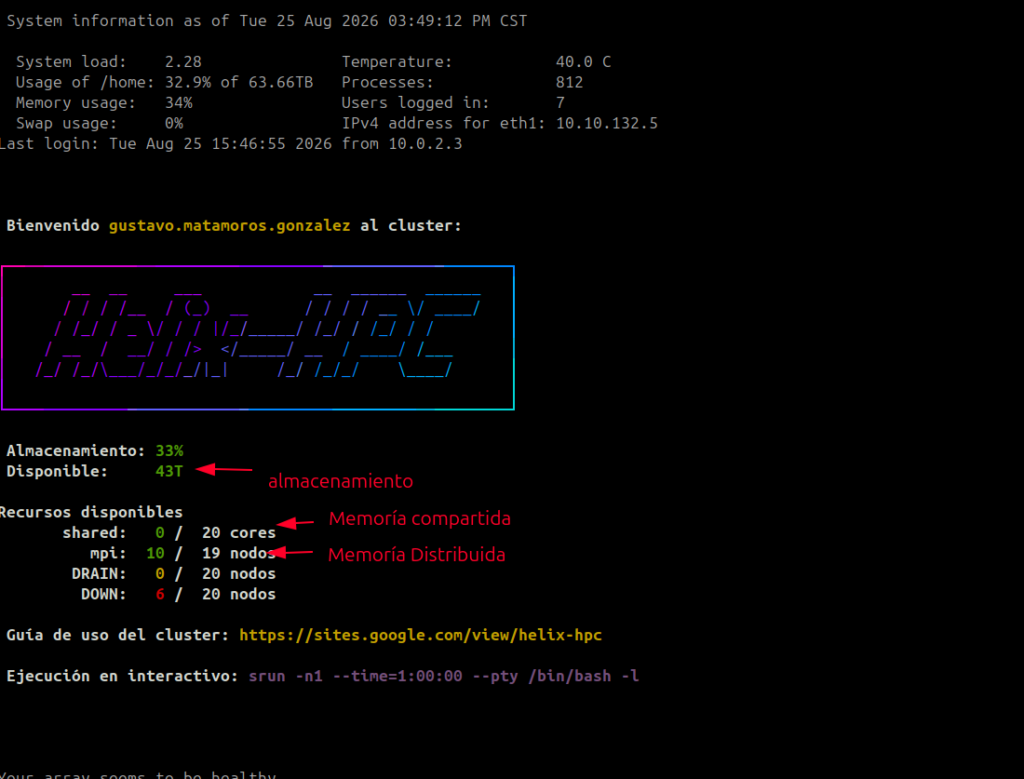
1. Conectarnos al cluster
- Para conectarnos directamente
ssh gustavo.matamoros.gonzalez@10.10.132.5
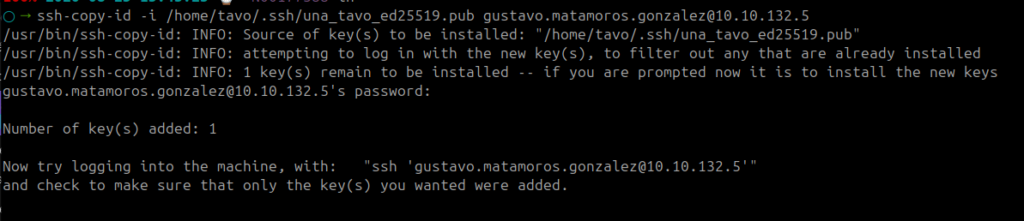
ssh-copy-id -i /home/tavo/.ssh/una_tavo_ed25519.pub gustavo.matamoros.gonzalez@10.10.132.5
- Para conectarnos mas facil
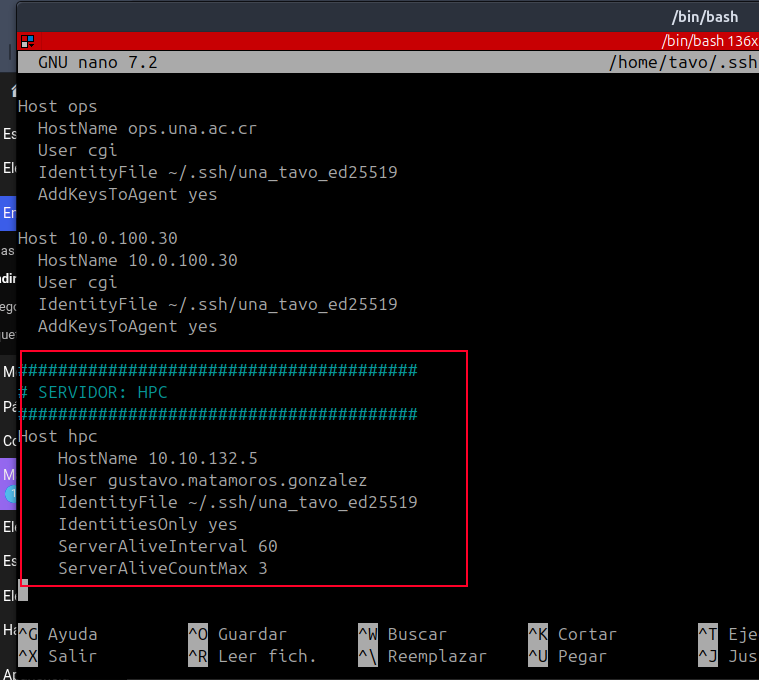
nano /home/tavo/.ssh/config
########################################
# SERVIDOR: HPC
########################################
Host hpc
    HostName 10.10.132.5
    User gustavo.matamoros.gonzalez
    IdentityFile ~/.ssh/una_tavo_ed25519
    IdentitiesOnly yes
    ServerAliveInterval 60
    ServerAliveCountMax 3
ssh hpc
scp archivo hpc:~/         # también funciona con scp/sftp/rsync
rsync -av carpeta/ hpc:destino/
2. que veo al inicio
- Al ingresar podemo ver la siguiente información